GRASP
A free and open-source geometry sketchpad for your classroom. Draw accurate figures, measure them, produce visual proofs. Help your students grasp geometric intuition.
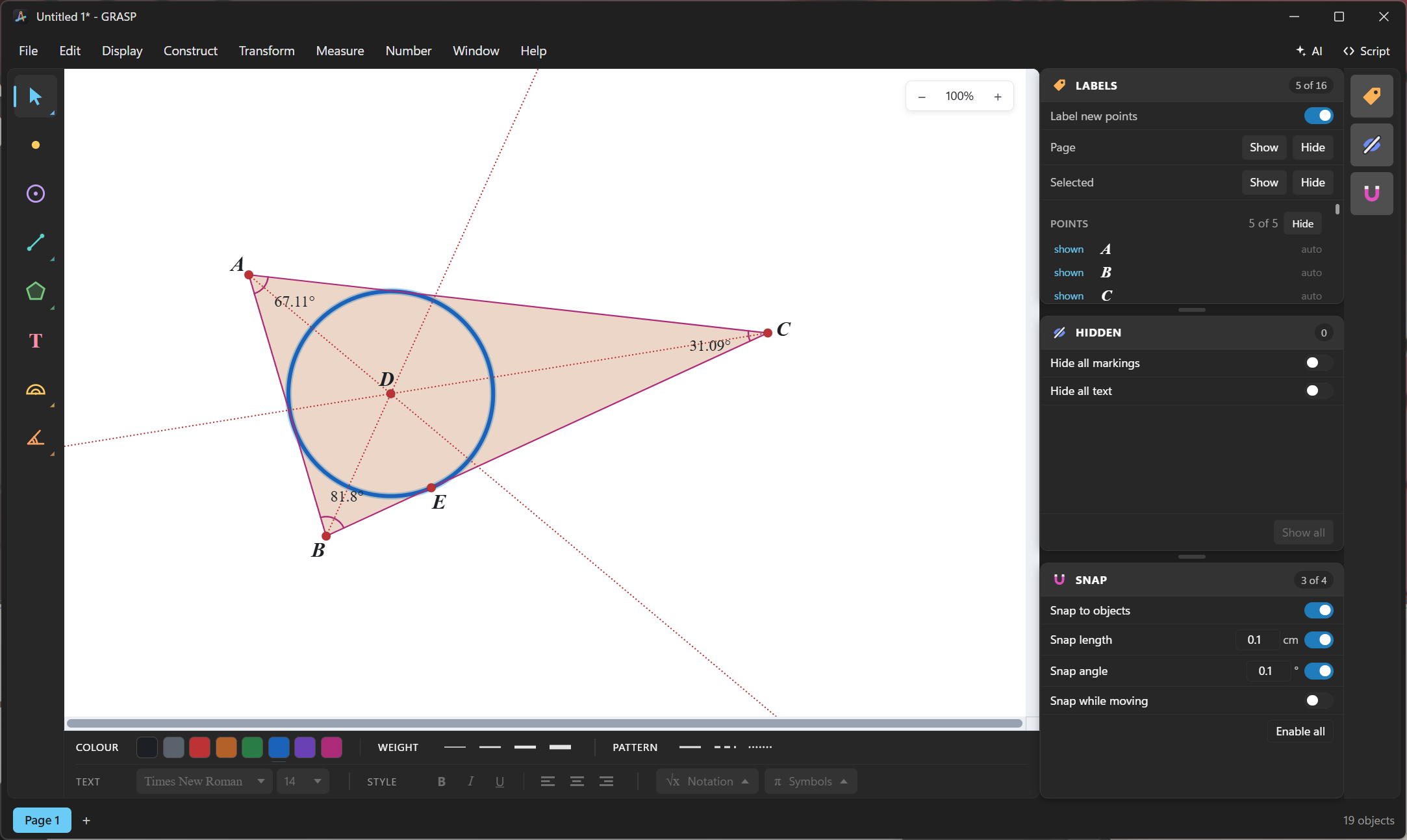
Dynamic measurements.
Drag one corner and every angle, length and area recalculates. Students can see how each change affects the bigger picture of your geometry.
Try it!
Click and dragDrag the orange handle and move it around to see the rosette's petals grow, shrink and get fancy. 🌸
Intuitive interface
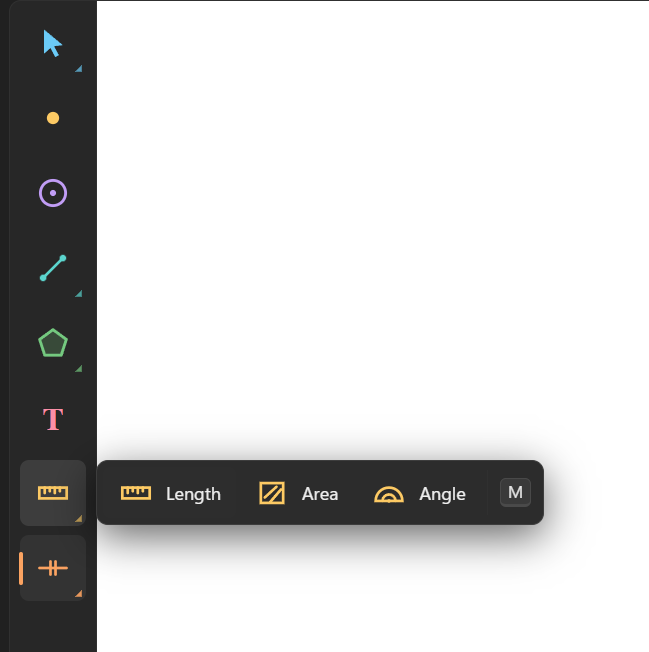
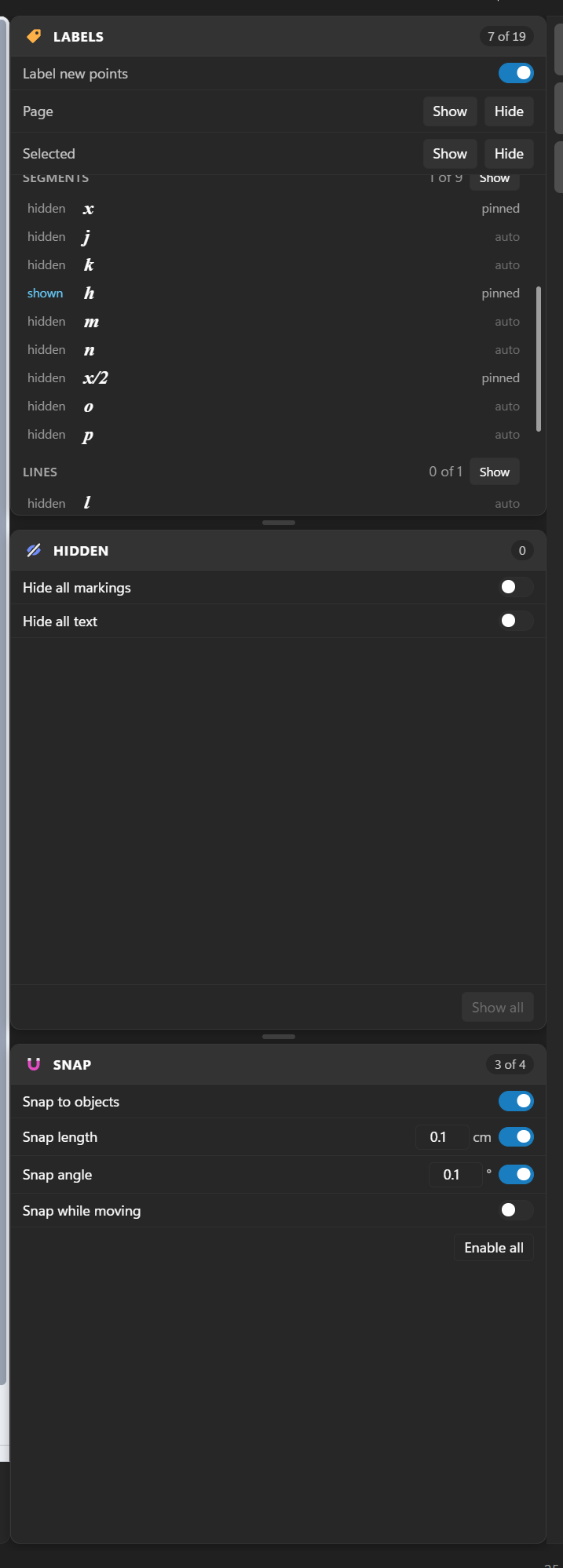
Enjoy creating sketches with a user-first set of panels. Iterate rapidly with keyboard shortcuts to activate the exact tool you need.

Features
Construct
Points, segments, rays, lines, circles, arcs and fills. Midpoints, intersections, parallels, perpendiculars, angle bisectors, regular polygons, points that slide along a path, and loci.
Transform
Translate, rotate, dilate and reflect to create more advanced sketches.
Measure
Keep track of lengths, areas, angles, ratios and more as you iterate your sketch.
Numbers
Set parameters, do step-by-step calculations and watch them update.
Mark up
Label sides of a polygon as equal, parallel, or add angle arcs for more polished classroom demos or for worksheet printing.
Export
Export a selection or a page to an image file or to your clipboard. Optimise it for your printed worksheet or your colourful slideshow.
AI-powered scripting
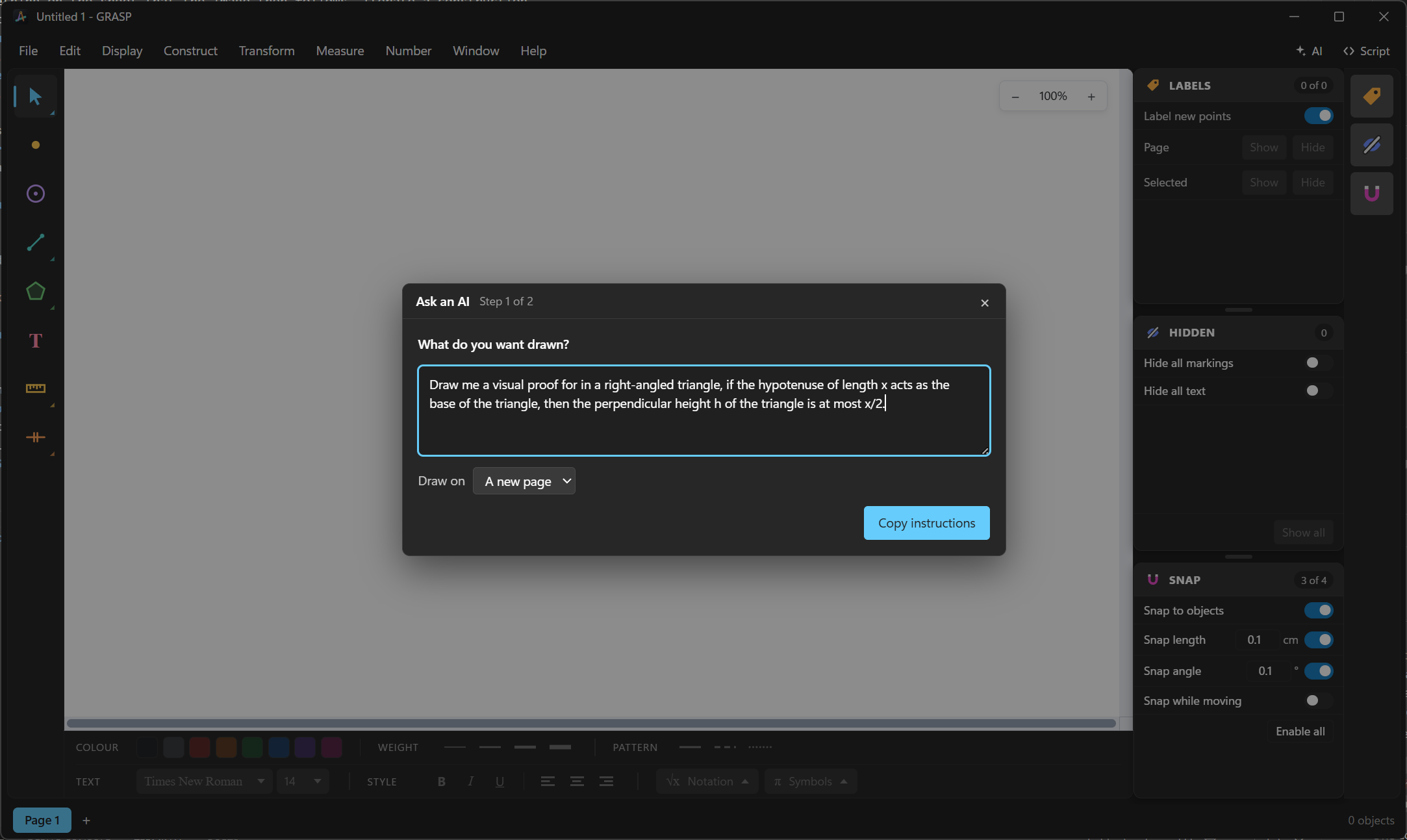
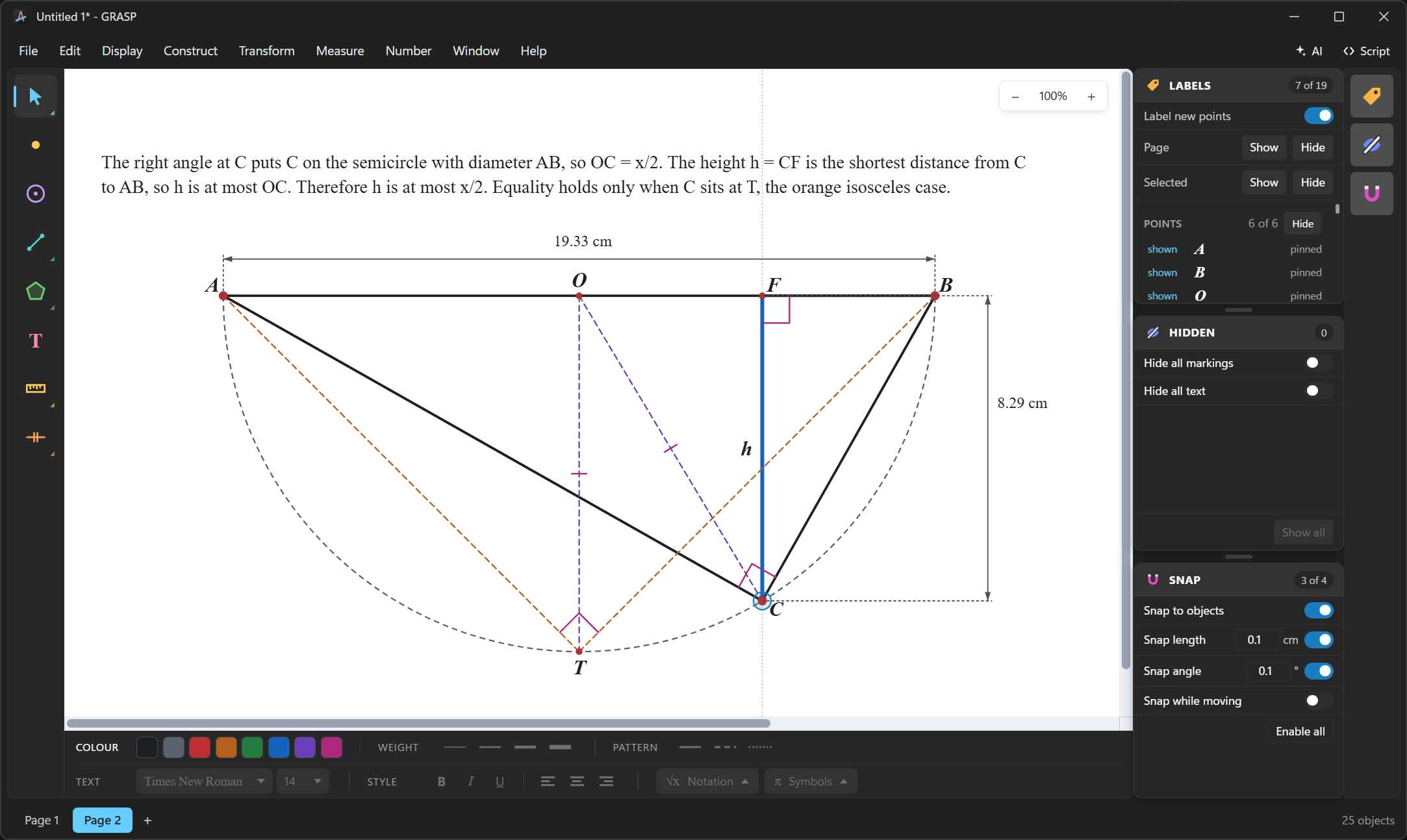
GRASP comes with a full scripting language that an AI model can figure out. Generate complex proofs and sketches with minimal effort.
Get GRASP
macOS and Linux
Universal Mac app for Apple Silicon and Intel. AppImage and Debian packages for Linux.
ReleasesSee it in action
Photo by 2y.kang / Unsplash